Skip to content

iPhone · iPad · Mac

TeacherTime: Tools

Seating plans, groups & picks

Create seating plans, select students at random and put groups together: TeacherTime: Tools helps you organize your lessons. Separation rules and preferred partners help you find suitable arrangements for your classes.

Coming soon to the App Store

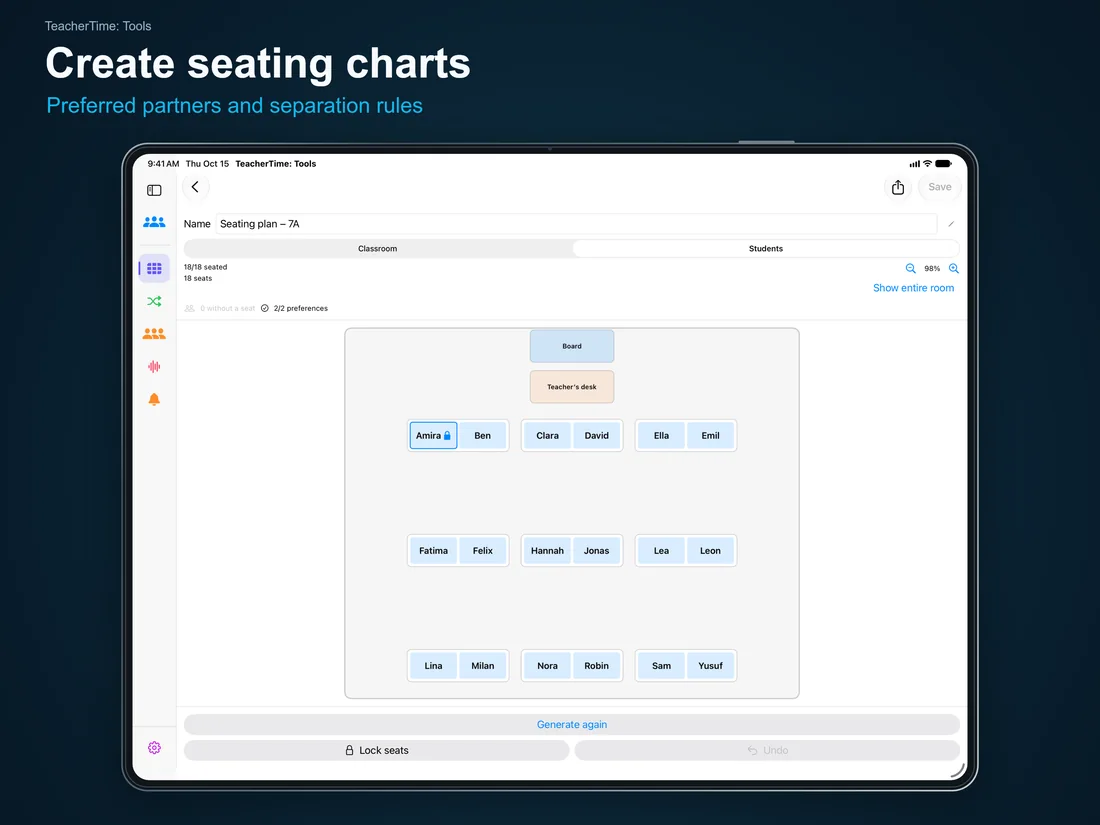
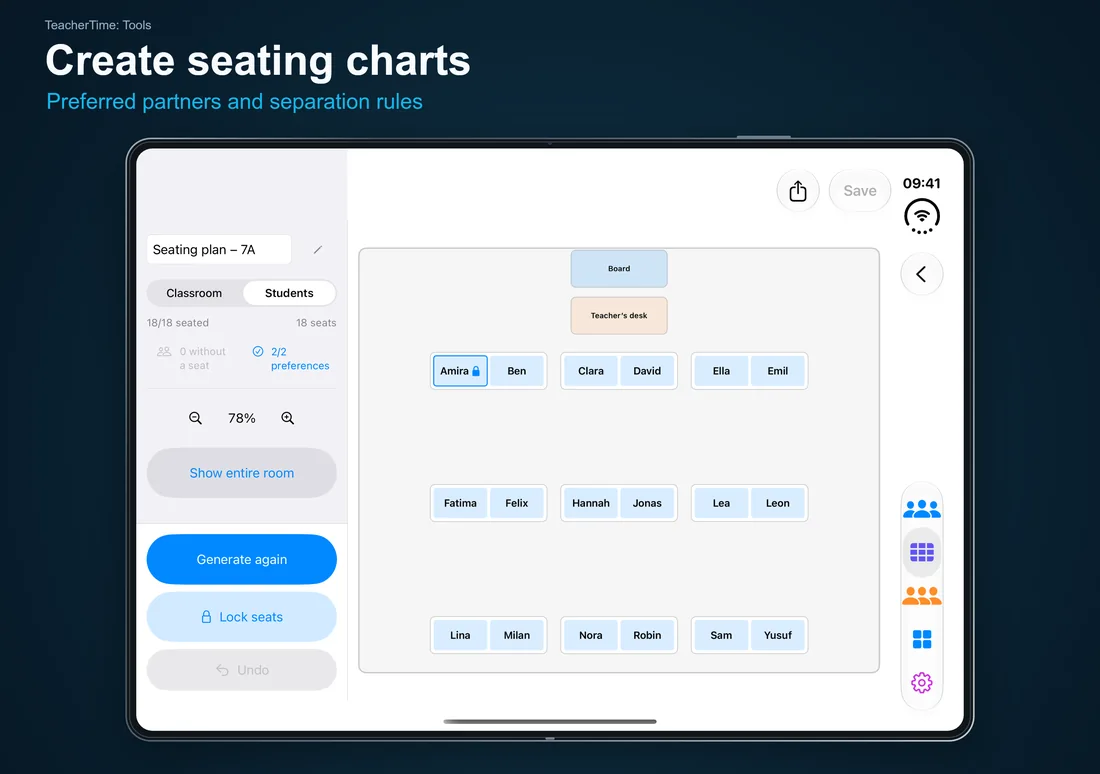
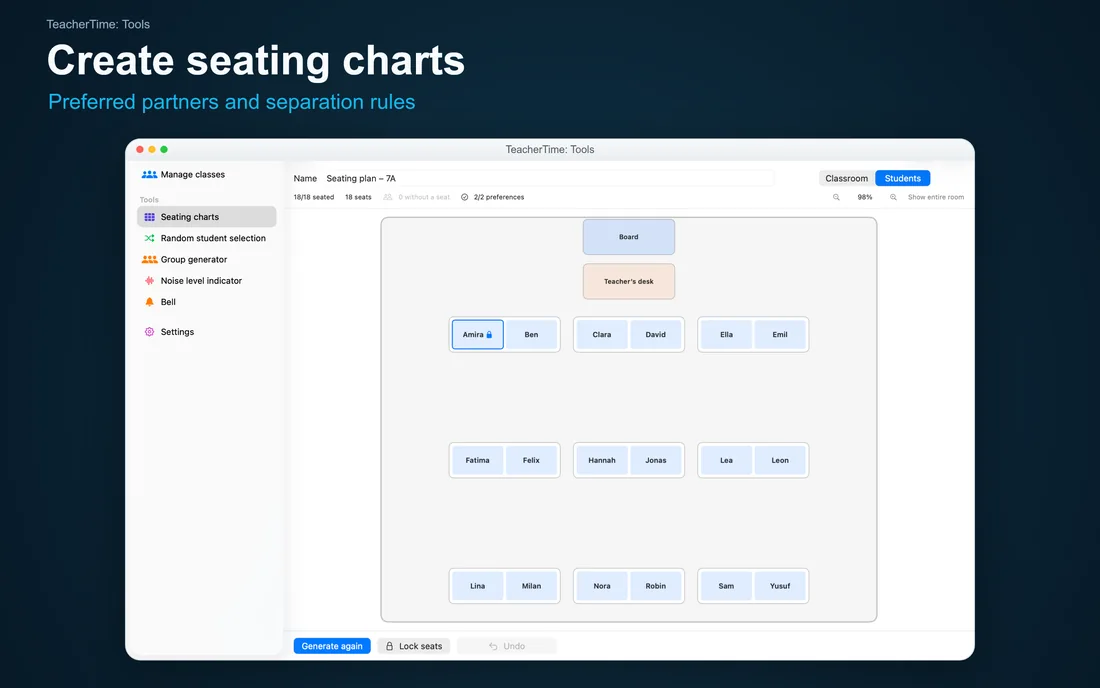
TeacherTime: Tools – Create seating charts: Preferred partners and separation rules

Tools for your classroom

Seating plan app for teachers

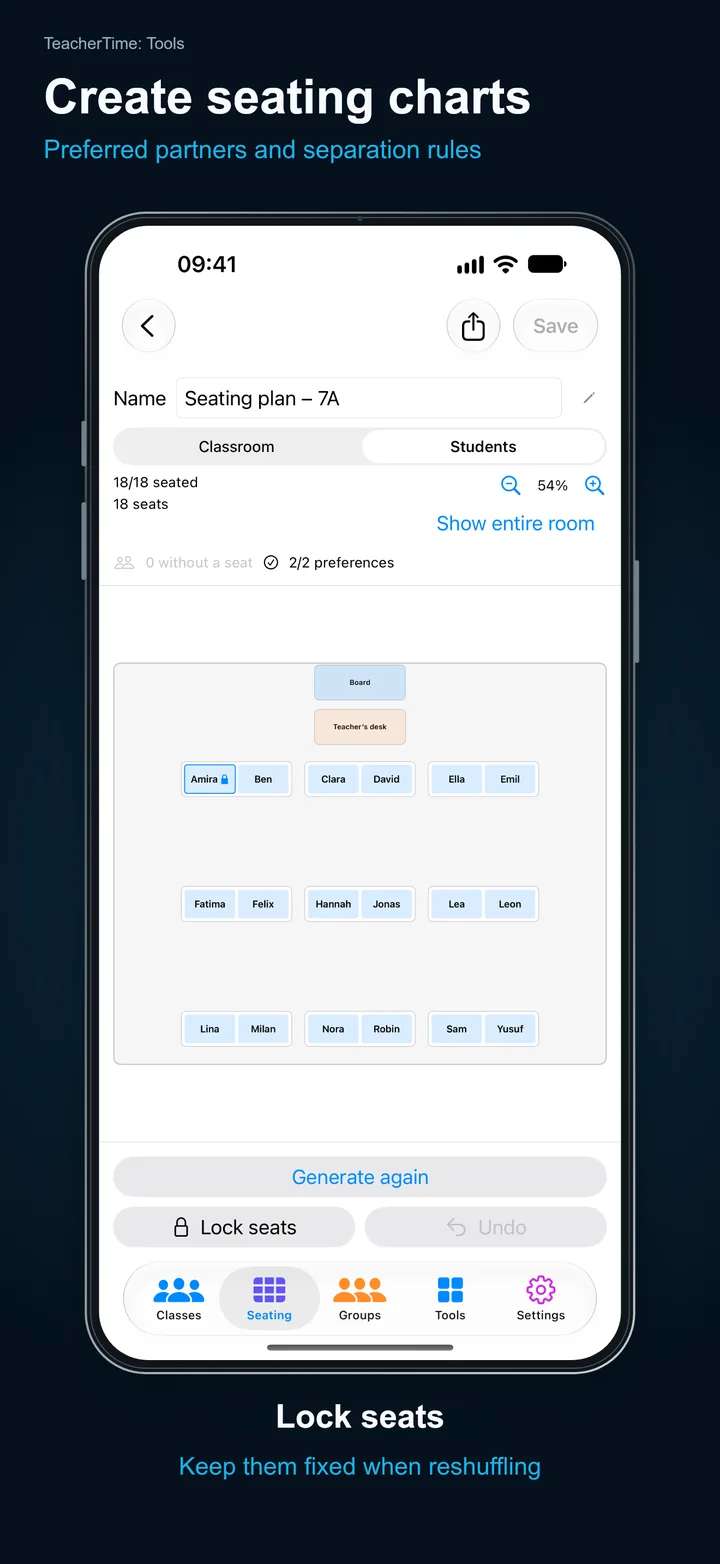
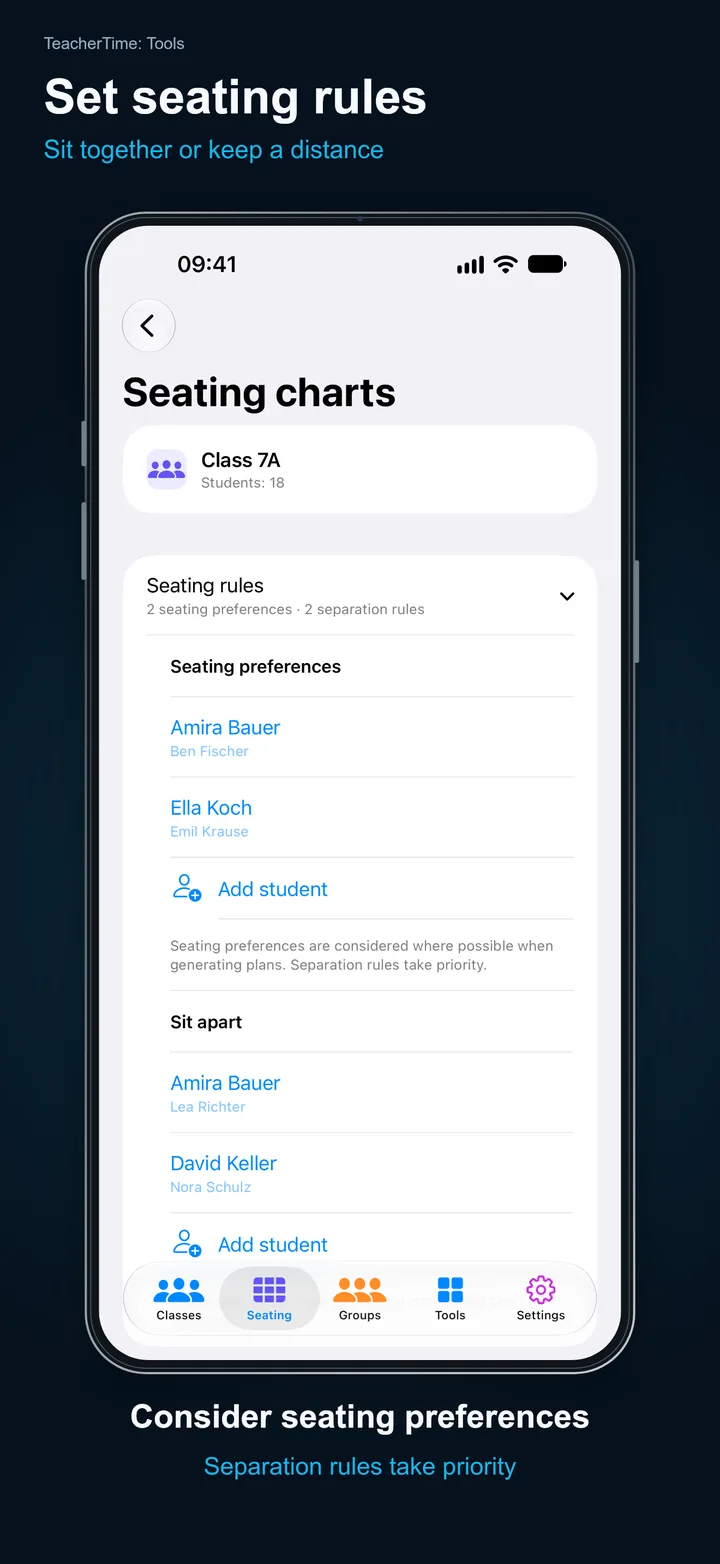
Set up your classroom layout and create seating plans to suit your class. Take separation rules, preferred partners and fixed seats into account. Adjust the seating manually when needed, save different plans and export them as PDFs or print them.

Learn more →
Classroom group generator

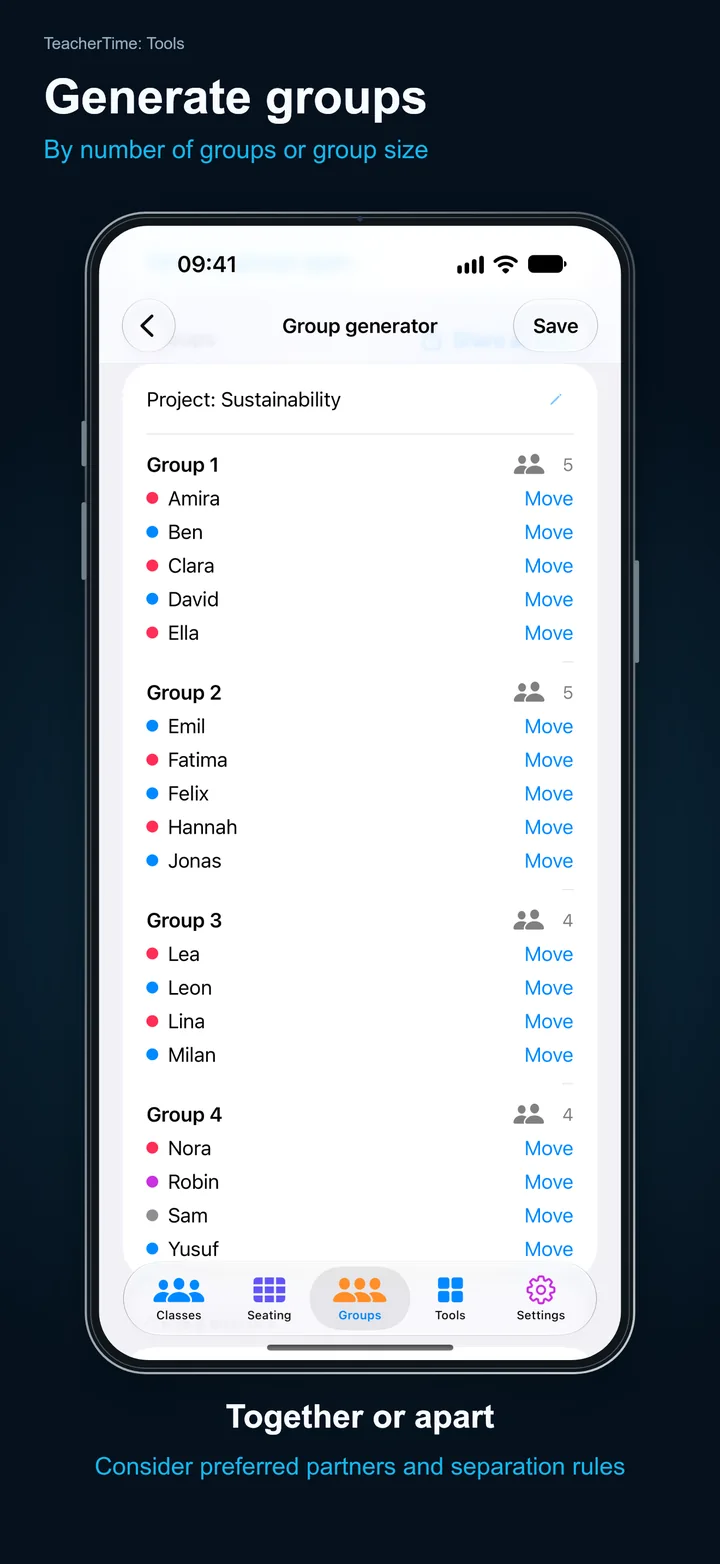
Choose the number of groups or the desired group size. Separation rules keep certain students apart; preferred partners are placed together where possible. Generate the groups again whenever you want a new arrangement.

Learn more →

Random student picker

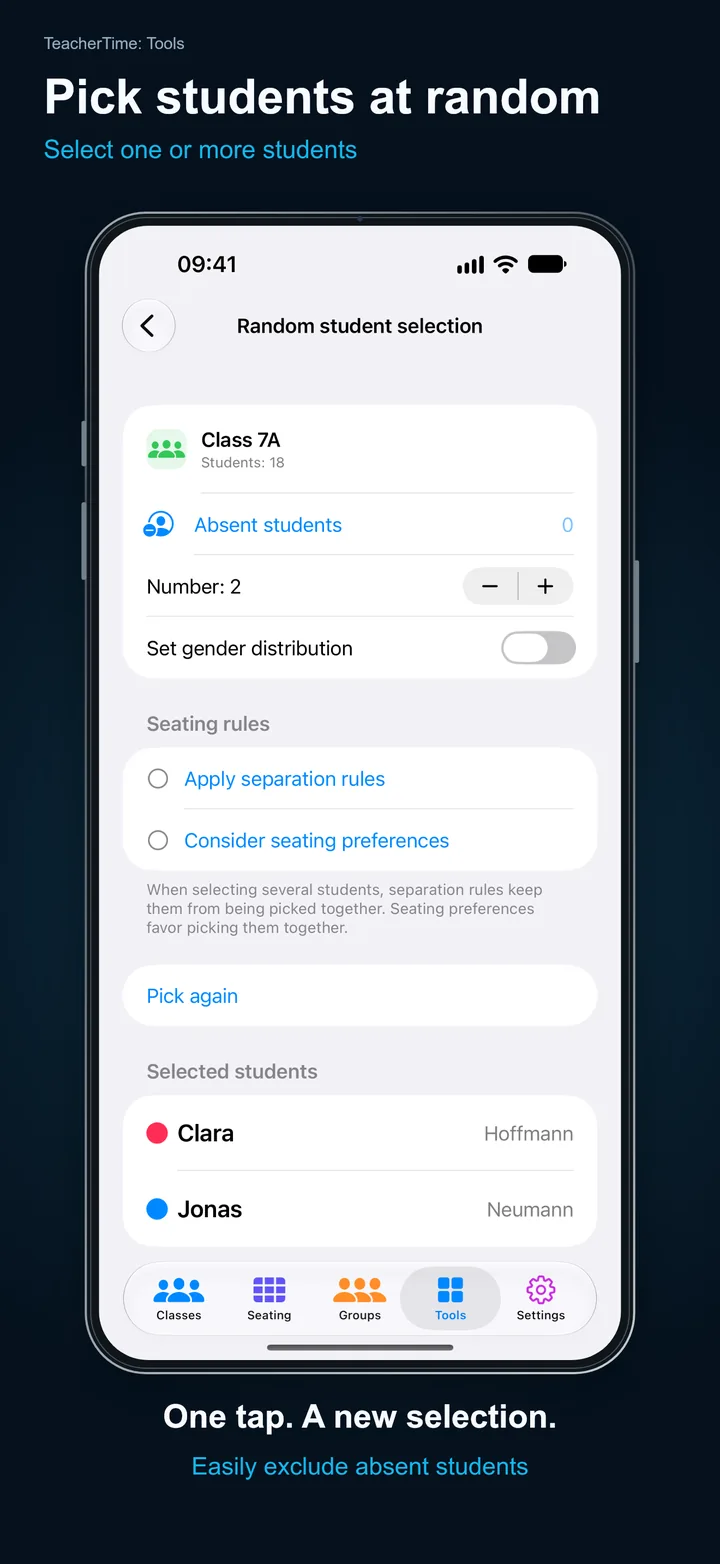
Pick one or more students from your class at random. Absent students and anyone else you exclude are left out of the selection. You can also apply separation rules and seating preferences.

Learn more →

Manage Classes

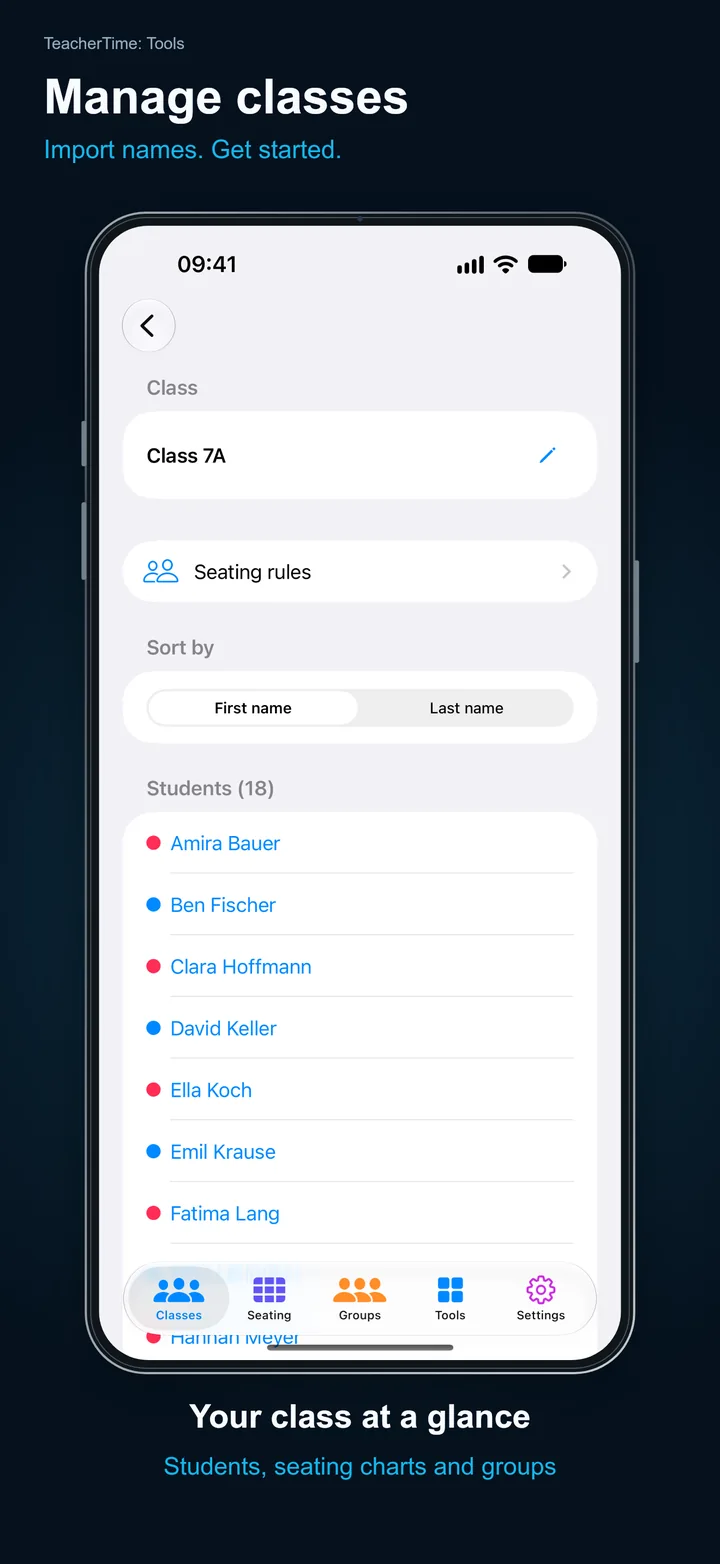
Create your classes and manage student lists in one place. Enter names yourself or import existing lists from photos and PDF files. You can then check and edit the recognized names.

Visualize Noise Levels

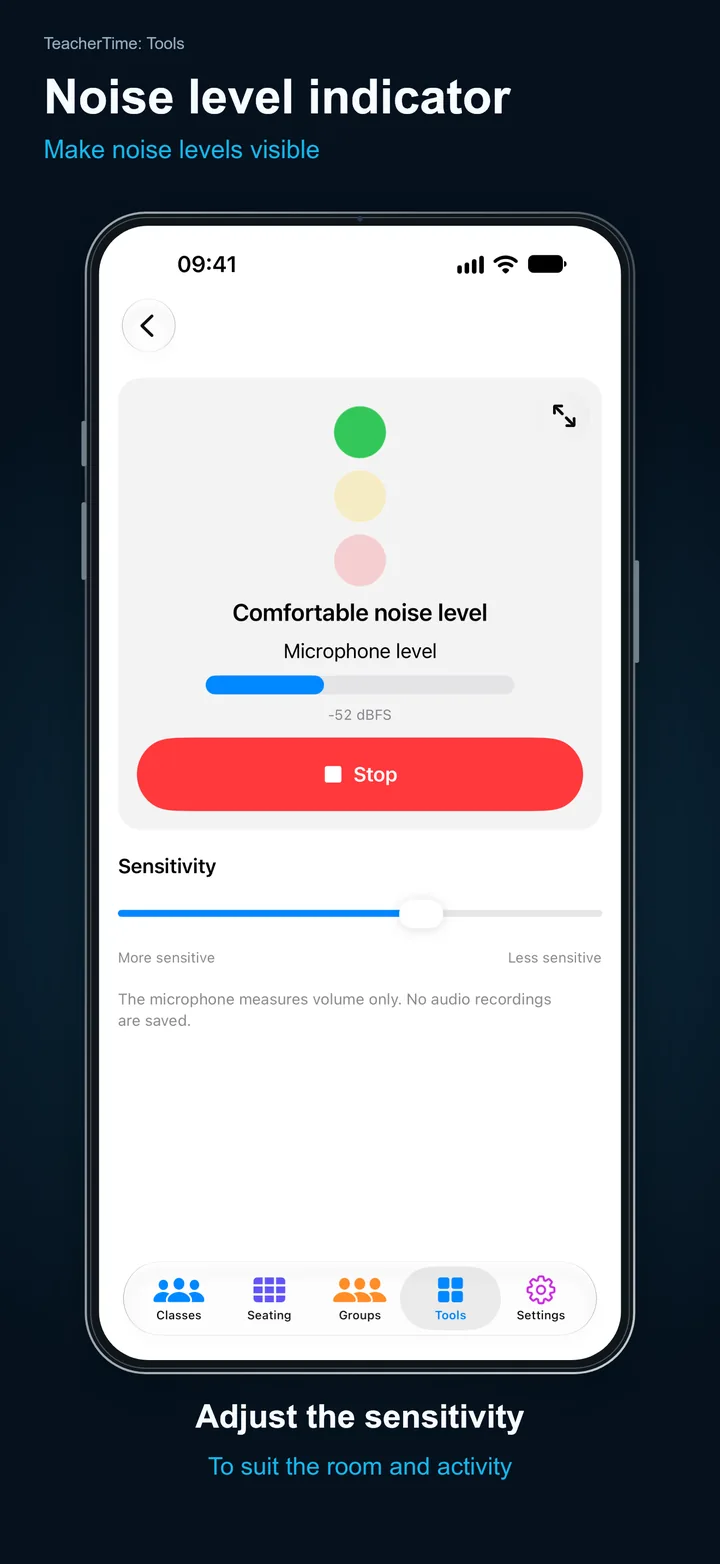
The noise level indicator shows how noisy the room is. Adjust the sensitivity to suit your lesson — the setting is saved on your device. No audio recordings are saved.

End Work Sessions

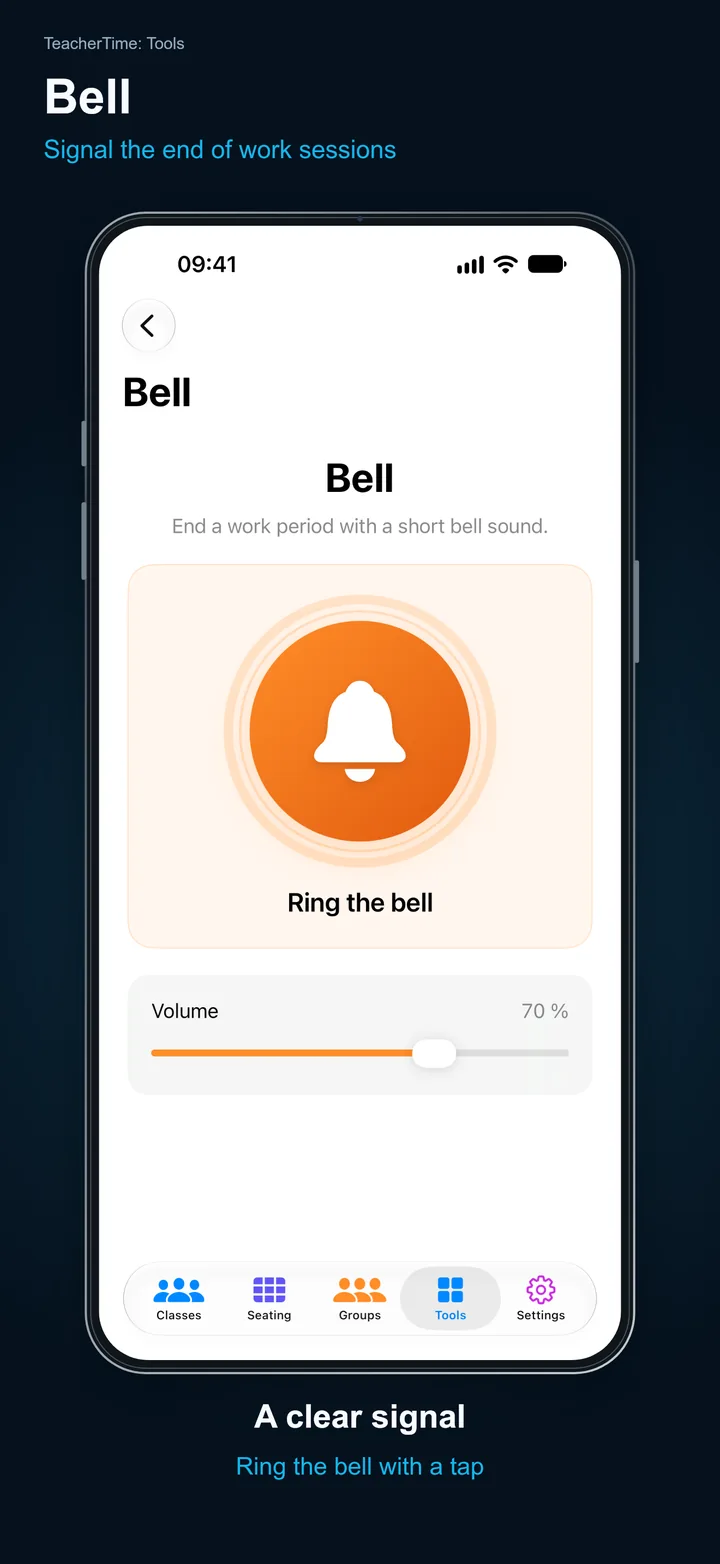
Use the bell as an audible signal, for example to mark the end of a work session.

iPhone · iPad · Mac · iPhone Duo

On iPhone, iPad, Mac and iPhone Duo

TeacherTime: Tools is designed for iPhone, iPad and Mac. Your class and tool data is stored locally and can be synced between your devices via iCloud. You can use the app on its own, without the main TeacherTime app.

Frequently asked questions

Do I need the main TeacherTime app?

No. You can use TeacherTime: Tools on its own, without the main TeacherTime app.

Can I use my classes on several devices?

Class and tool data is stored locally and can be synced between your Apple devices via iCloud.

Does the free trial turn into a paid subscription?

No. The seven-day trial ends automatically. Afterward, you can choose a monthly subscription, a yearly subscription or a one-time purchase.